 Binance Studio
 / Chrome + Edge
Your market.
Your way.
Turn a familiar trading interface into a workspace of your own. Shape the layout. Set the atmosphere. Find your focus.
01 / Make it personal
A different view.
A familiar market.
Explore three cockpit skins. These are screenshots from the simulation lab, with sample prices and no account connected.
From the quiet glow of Radar to the precision of Mecha. Choose the atmosphere that works for you.
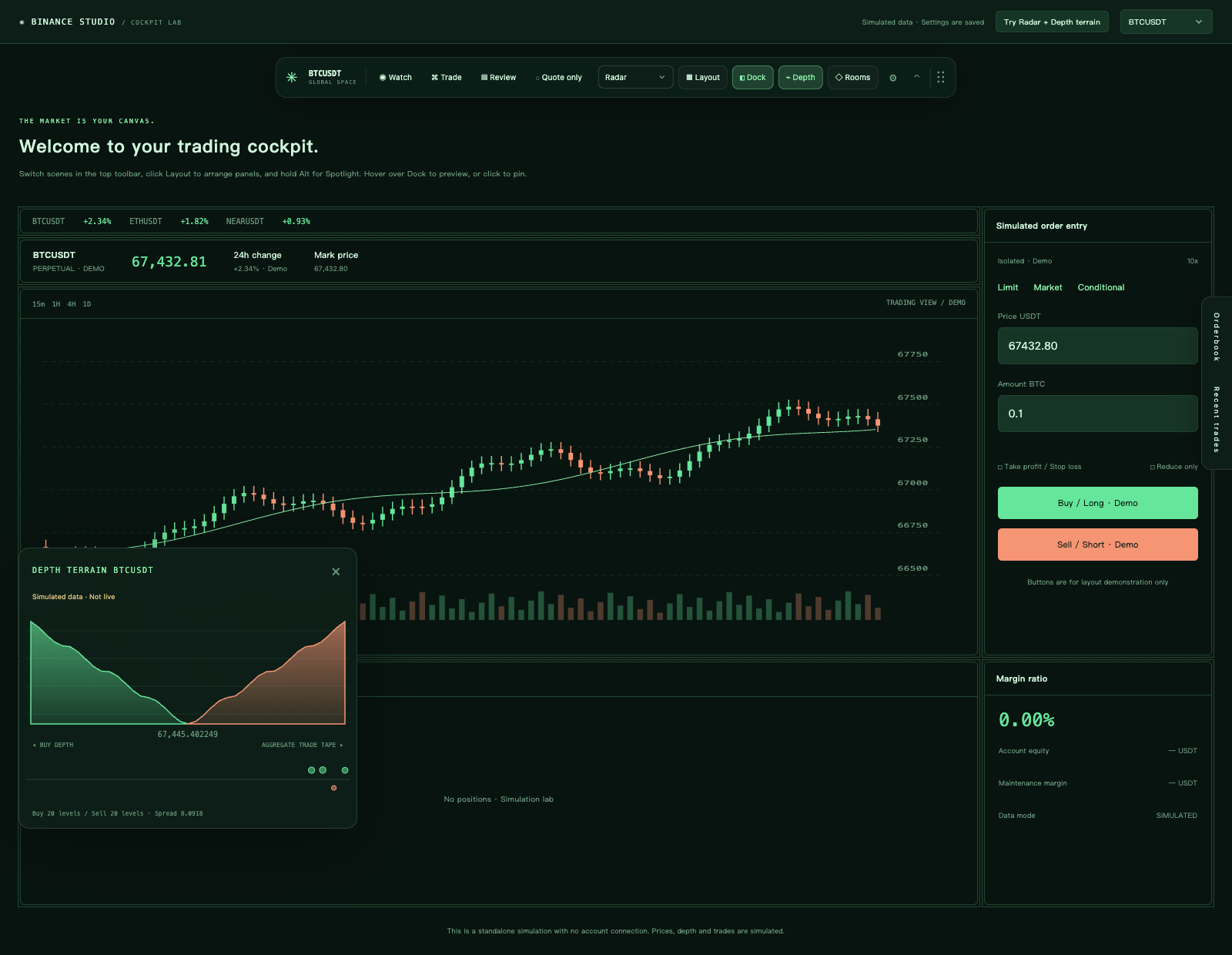
Radar — a green cockpit with an edge Dock and depth terrain. All market data shown is simulated.
Full-size preview ↗Your setup, down to the details
A setup that
feels like you.
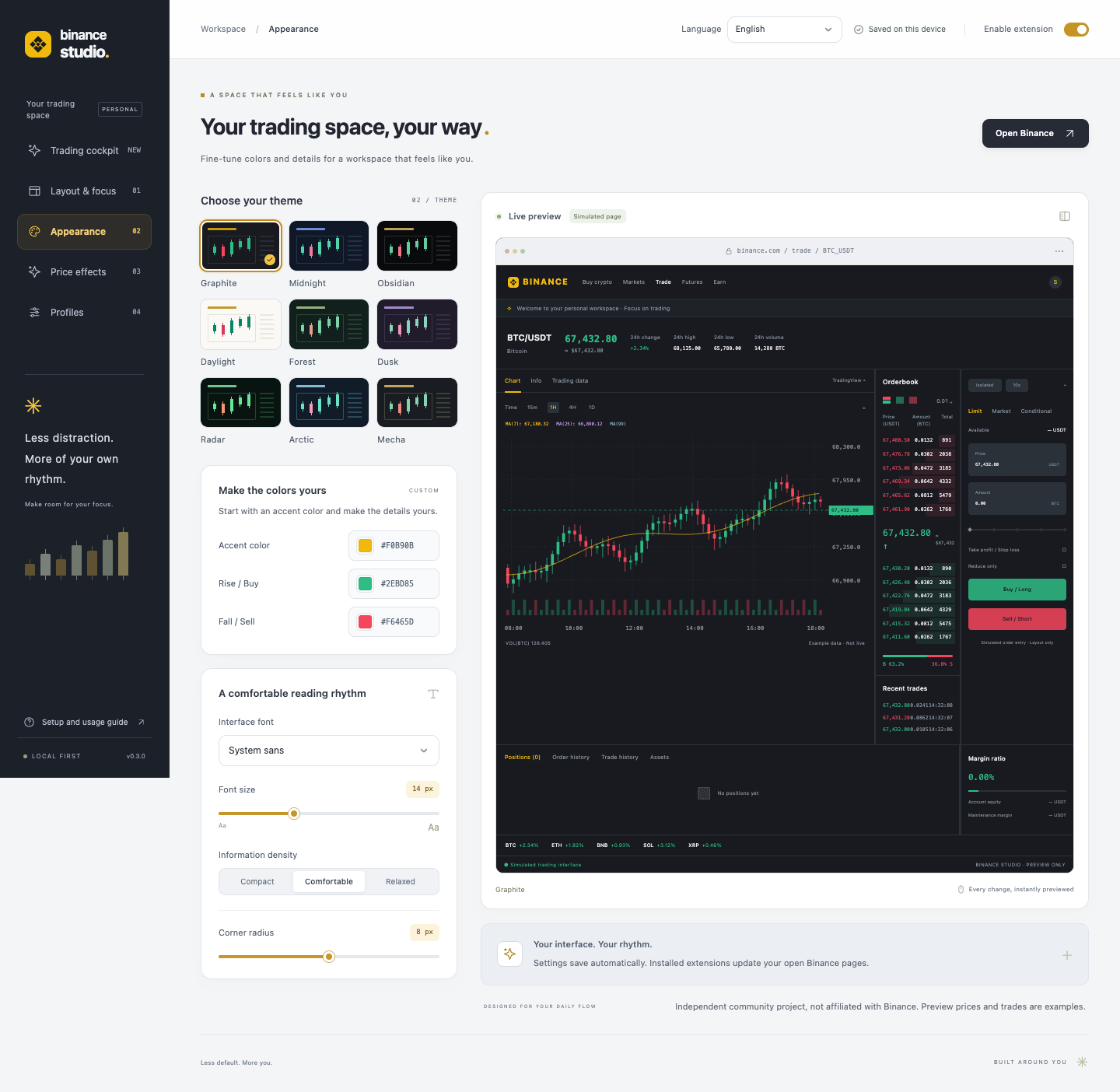
Start with a theme, then tune the colors, spacing, and panels. Keep a setup for each pair, or strip things back to a single quote.
A few steps, then make it yours
A few steps.
A space of your own.
Install the source as an unpacked extension in desktop Chrome or Edge. Chrome 111 or later is required.
- Download & extractGet the source ZIP and unzip it. Find the extracted folder containing manifest.json.
- Load the extensionOpen chrome://extensions or edge://extensions. Turn on Developer mode, choose Load unpacked, and select that folder.
- Open & personalizeRefresh Binance Global, pin the extension, and open its customization console. Choose a theme and build your workspace.
After an update, reload the extension and refresh your Binance tabs. Need more detail? Read the installation guide ↗.
Know your tools
A few things
before you install.
Does it need an API key or place trades?
No API key is required. Binance Studio changes appearance and layout, and does not change order-submission logic. It is an independent community project, not an official Binance product.
Which pages and browsers are supported?
Desktop Chrome and Edge on Binance Global at www.binance.com and binance.com. Binance.US and separate regional domains are not supported. Full layout editing requires a recognized futures grid. Site changes can affect compatibility; live trading-page end-to-end acceptance testing is still pending.
Where are settings and notes stored?
Settings, pair rooms, and notes stay in local extension storage and are not synced through your browser account. Exported profiles include private notes, so review them before sharing. Uninstalling removes extension storage.
Does the extension connect to market feeds?
Optional depth terrain connects to public depth and trade streams for the current pair. It is off by default and does not send notes, balances, orders, or account information. The website previews use simulated data.
Can I return to the original appearance?
Turn off Enable extension in the popup to remove its injected styles and panel markers. The extension restores the native presentation. Saved settings remain available when you enable it again.
Built in the open
Make it yours.
Then make it better.
Have a layout idea, found a selector that changed, or built an improvement? Issues and pull requests are welcome.